
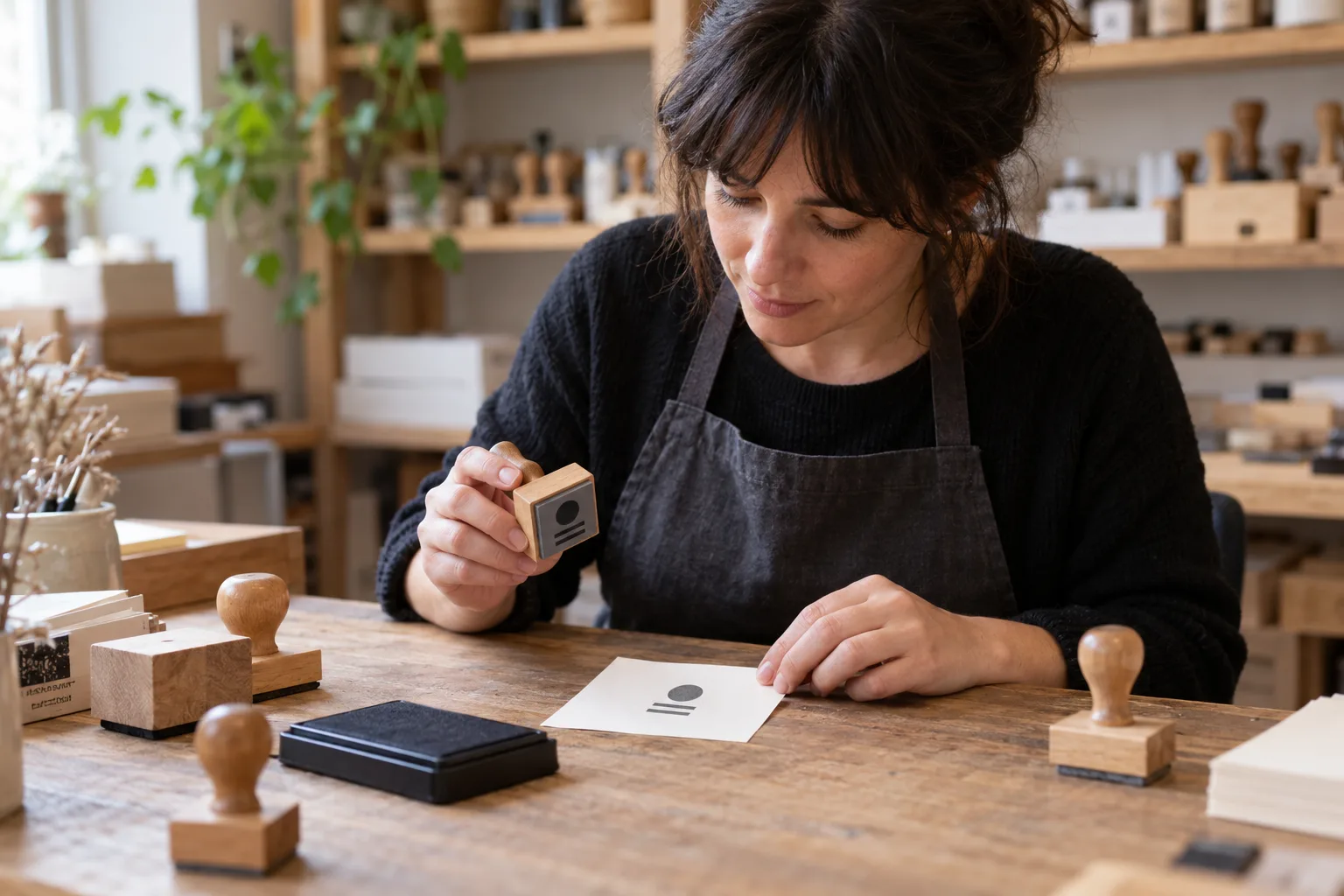
Read the stamp on paper; record which view you are reviewing
An enquiry asks for “HECHO A MANO”, a 40 × 15 mm impression, and adds “I am sending the mirrored artwork”. Before passing that note to production, establish what the file represents: the intended paper impression or artwork prepared for the rubber die? The mount’s outside dimensions do not determine the artwork size either.
This guide proposes a text AI trial to prepare an enquiry review: literal wording, impression dimensions, reference file and open questions. The worked case includes a letter O versus zero discrepancy. We wrote the reference worksheet ourselves; it is neither AI output nor a completed trial. Design checks and technical preparation remain with the workshop.
Three different references: impression, rubber die and mount
Trotec’s stamp tutorial says to prepare the design as it should print on paper; in its documented workflow, the driver’s “Stamp” process automatically mirrors and inverts it. This explains why the file view needs a label. It does not establish your workshop settings: do not add another transformation on an assistant’s instruction.
The Self-Inking Stamps guide distinguishes body size from image size. DigiSellos labels its custom dimensions as printing size. These references help name the fields correctly; they are not a compatibility chart for mounts, rubber dies or software.
Before layout, record the requested impression dimensions separately from the proposed mount. Legibility, reproducible detail, margins and suitability for the target surface require the professional’s checks and chosen tests.
The fictional enquiry: an O, a zero and an unidentified file view
All wording, dimensions, documents and filenames below are invented. They do not represent a customer or commercial model. These are authored text fragments supplied for the exercise; no PDF has been read through OCR. The Spanish stamp wording is retained literally in this translation.
| Reference | Available text | What it does not establish |
|---|---|---|
| E1 · enquiry | Paper impression: HECHO A MANO. Width 40 mm; height 15 mm. | No mount specified and no artwork approval. |
| E2 · manual transcription of proof P1 | Noted visible wording: HECHO A MAN0. Stated impression: 40 × 15 mm. | The transcription certifies neither the PDF nor print legibility. |
| E3 · message about dibujo-G2.pdf | I am sending the mirrored artwork. | Does not identify a paper-impression view or rubber-die preparation. |
| E4 · internal proposal | Proposed external mount dimensions: 50 × 25 mm. Design not accepted. | No permission to enlarge the impression and no compatibility confirmation. |
A useful review preserves the discrepancy before correcting it
This is the manual reference against which to check an assistant response. The wording difference is deliberate: E1 ends MANO with the letter O; E2 ends MAN0 with zero. Do not normalise them into identical records.
| Field | Reference note | Outstanding action |
|---|---|---|
| Impression wording | Requested: HECHO A MANO [E1]. Transcribed in P1: HECHO A MAN0 [E2]. | Flag O/0 discrepancy; check the original document and prepare a correction for review. |
| Requested dimensions | Width 40 mm; height 15 mm [E1]. E2 states the same dimensions. | Keep as a request; check scale and layout in the original proof. |
| File G2 view | Only “mirrored artwork” is stated [E3]. | Ask which view it represents and which file defines the intended paper impression. |
| Mount | External 50 × 25 mm proposed [E4]. | Do not transfer these dimensions to the impression. Selection and checks remain with the workshop. |
An instruction to try with the four fragments
Prepare your own worksheet before using the assistant. Give only E1–E4 and the following instruction to a text tool authorised by your business. The task compares supplied fragments without opening or transforming files.
- “Return a worksheet with literal requested wording, P1 transcribed wording, impression width and height, proposed outside dimensions and declared G2 view. Cite E1, E2, E3 or E4 for every value. Mark missing information not specified.”
- “Compare E1 and E2 character by character without autocorrection. Preserve both strings and flag the O/0 difference. Do not describe the transcription as a verified PDF reading.”
- “Separate paper impression, rubber-die preparation and mount. Do not infer the G2 view or decide to mirror, invert, enlarge or adapt the artwork. Do not choose ink, material, machine settings or a model.”
- “Finish with open questions and a draft enquiry. Send nothing, approve no artwork and create no production order.”
From worksheet to workshop: what to check and ask
Open the originals yourself and check the wording, declared orientation, dimensions and version. If E2 was transcribed incorrectly and P1 actually has an O, correct the reading record; do not assign a nonexistent error to the artwork. Text extraction can fail and cannot establish the appearance of a printed impression.
Prepared, unsent enquiry: “E1 requests HECHO A MANO; the P1 transcription says HECHO A MAN0. We will check the original before preparing a correction. Does dibujo-G2.pdf represent the impression you want to read on paper, or mirrored rubber-die preparation? We need to identify the reference file before proceeding.”
Clarifying the view does not automatically approve wording or dimensions. Keep each check linked to its document and obtain acceptance according to your business workflow. The professional decides how to prepare and test the stamp; AI does not certify reproduction, ink, surface suitability or documentary validity.
Use no signatures, official seals, tax identifiers or customer information in the pilot. Any later use of real data requires permission, suitable conditions and access control. You also need no commercial files to discuss the workflow with Adaris.
Measure its value against an order form
Compare this method with a simple form that already separates impression and mount. Include the entire task: input preparation, checking the response against originals, clarification and correction. Choose what is clearest for the workshop, even if that is a form without AI.
Try specific fictional variations: replace MAN0 with MANO in E2 and check that no discrepancy is invented; remove the dimensions from E1 and E2 and require not specified rather than copying the mount; label G2 explicitly as a paper-impression view and check that the label is preserved without transformation instructions.
Record missed character differences, false alarms, mixed dimensions, unauthorised transformation suggestions and total review time. These are proposed pilot criteria with no results or savings promised. The authored reference does not prove an assistant will meet them.
When to assess a narrowly scoped integration
The manual trial means copying fictional data and reviewing the answer. Connected automation would be a separate scope: verify access to orders, documents and versions, permissions, responsibilities and acceptance before production. Assume no compatibility with stamp designers, graphics software or machines.
Adaris Tech can assess custom software, CRM and automation case by case. An initial scope to consider could prepare a discrepancy worksheet linked to the order for workshop review. This is not an existing proprietary stamp application and includes no approval or machine control.
If messages, proofs and orders currently get mixed up, describe where it happens and who reviews each step. Commercial enquiries are handled in Spanish.
Related services
Sources
Do messages, proofs and orders get mixed up?
Describe who checks each step. We can assess a custom scope; commercial enquiries in Spanish.