
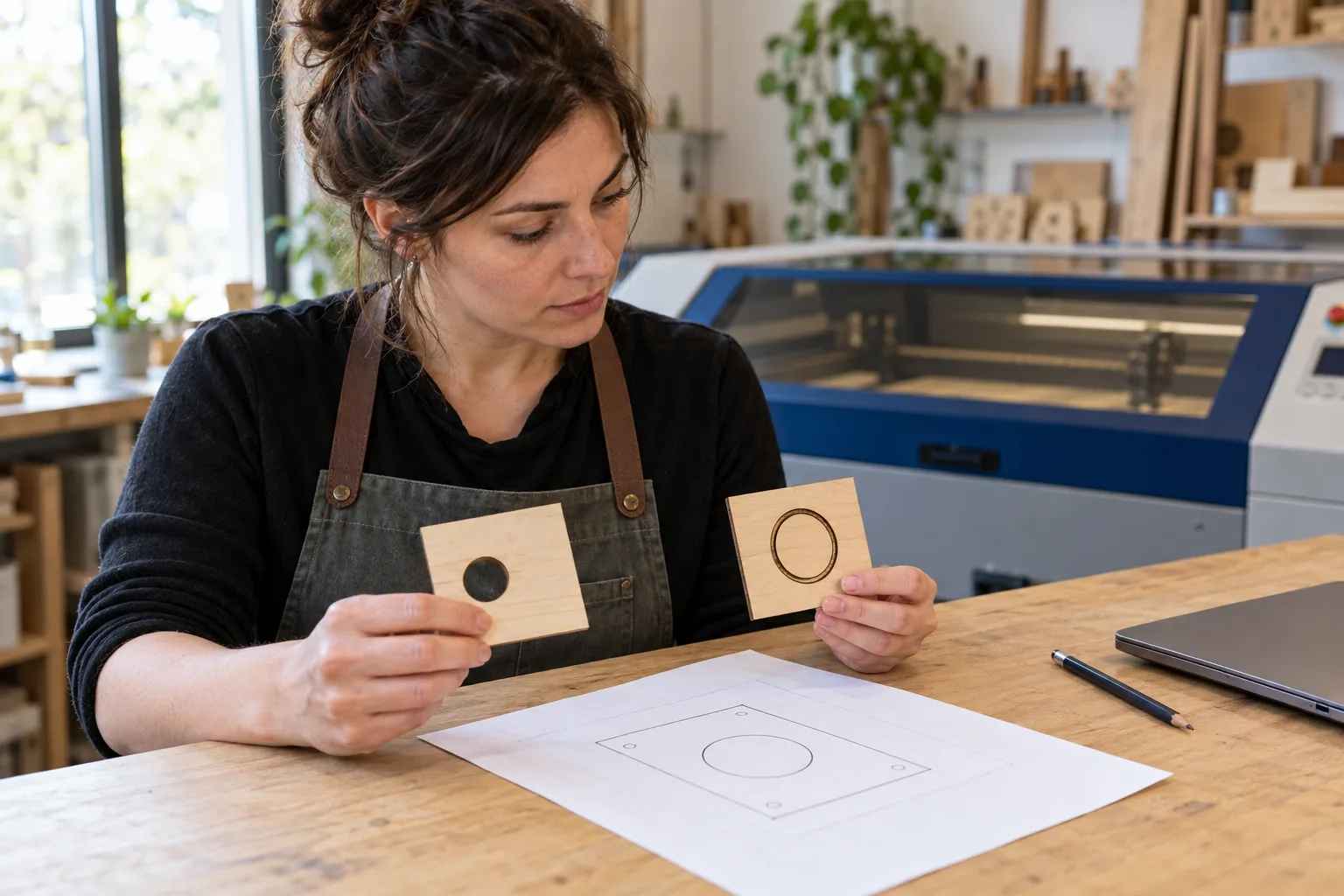
A circle can be a hole or a mark: clarify it before quoting
“Cut out the outer edge; the centre circle is only a mark.” If the file worksheet labels that circle “CORTE”, meaning through-cut in the supplied legend, there is a contradiction to resolve before quoting. A drawing that looks right is not enough: an opening and a surface outline describe different parts.
This guide proposes a text-AI trial to compare the request with an element worksheet prepared by the workshop. It includes a fictional case, an authored reference response and a focused customer question. We have not tested an assistant, analysed a real vector file or connected a machine. The goal is to prepare a human review, not a production-ready file.
Colours need a workshop legend, not a rule recalled from memory
BDN Lab asks customers to identify cutting and engraving by colour or layer, and says it reviews designs before confirming a quote and schedule. That published process provides context: follow your supplier’s instructions and check each job.
Conventions also differ. Ponoko recommends blue for cutting and red for line engraving; Madrid Corte Láser specifies red for cutting and magenta for marking. These are particular services’ instructions, not a universal code. We will not automatically apply either legend to this example.
LightBurn documents that Line mode follows vector contours and can be used for marking or cutting depending on its settings. Seeing “Line” therefore does not establish an intention to cut through the material. We give no machine parameters here: technical preparation belongs to the professional.
Fictional case: the request says “no hole”, the worksheet says “cut”
All identifiers, messages and elements below are invented. The workshop has written a text worksheet for placa-v3 as a practice exercise; this is neither a report extracted from a file nor a geometry check. The worksheet and message versions must match.
| Source | Supplied information | Scope |
|---|---|---|
| P1 · request for placa-v3 | One decorative plaque. Cut out the outer edge; only mark the centre circle’s outline, with no hole and no filled engraving. | Describes the requested result; does not confirm feasibility. |
| F1 · manual worksheet for placa-v3 | E01: outer edge; CORTE layer. E02: centre circle; CORTE layer. | Workshop-authored description for this exercise; not an automated vector reading. |
| L1 · internal legend for this case | CORTE = cut through; MARCA = mark only the surface along the contour. | Invented case convention, without machine settings. |
| N1 · internal note | Circle awaiting clarification. No production approval. | Does not change the worksheet or resolve the contradiction. |
What the review should return: two elements and a pending decision
For E01, P1 requests cutting out the edge and F1 assigns it to CORTE; those descriptions agree under L1. Record “documented intention consistent”. This does not validate dimensions, paths, material, thickness or job safety.
For E02, P1 requires a surface outline with the centre intact; F1 assigns it to CORTE, which L1 defines as cutting through. Record “request and worksheet conflict”. Preserve both sources. Do not change the layer yourself, add a filled area or mark the design approved.
A useful question would be: “For placa-v3, can you confirm that E02 should be a surface outline mark with the centre intact? The worksheet currently lists it as CORTE. We need a corrected, reviewed version before preparing production.” This is an unsent draft, not a substitute for the workshop reviewing the file.
- Keep each element’s identifier, requested result, described assignment, legend used, conflict, source and next responsible person.
- Retain placa-v3 as the reference. A response about placa-v2 does not approve placa-v3; ask for confirmation of the corresponding version.
- If material or thickness is missing from a real enquiry, record it as outstanding quote information. Do not infer it from the cover illustration, a photo or the filename.
How to try the prompt without uploading customer designs
Copy fictional P1, F1, L1 and N1 into a text assistant authorised by your business, together with these instructions. Prepare the reference response above yourself first for comparison. You need neither a drawing upload nor access to laser software.
- Use only these inputs. Return one row for E01 and another for E02: requested intention, described assignment, meaning under L1, agreement or conflict, and literal input citations.
- For E02 distinguish cutting through, marking an outline and engraving a filled area. Preserve P1’s request for a surface contour without a hole or fill. Do not propose geometry changes or add operations.
- Separate an internal note from a customer question. Preserve N1’s pending status and version placa-v3. Do not claim the vector has been inspected, corrected or approved.
- If the legend is missing, do not interpret a layer from its colour or name. Mark its meaning unknown and ask for the workshop convention.
- Do not calculate price, duration, power, speed, passes or feasibility. Do not create machine files, send messages or execute anything.
Three errors a tidy worksheet can conceal
The first is deciding E02 by majority: two mentions of CORTE do not turn “no hole” into permission to cut through. The conflict requires clarification and a documented correction; AI does not decide what the person intended.
The second is replacing “outline mark” with “filled engraved circle”. These preserve different intentions. The third is saying “file correct” because the rows now agree: this exercise only compares text, which may misdescribe the vector. The professional must open and review the actual version in the usual workflow.
A screenshot or text answer does not certify material, emissions, protection, workholding or technical acceptance either. Retain the workshop’s safety process and manufacturer’s instructions; this trial is not an equipment operating guide.
A measurable pilot that may conclude a simple form is enough
Compare a manual element worksheet with the complete assisted process: preparing inputs, reading, cross-checking, asking and correcting. If a fixed legend and a cutting/marking/engraving form already handle your enquiries, they may suffice. Do not assume adding AI provides value.
Try fictional variants: remove L1 and require “meaning unknown”; change the worksheet to placa-v2 and require version clarification; change E02 to MARCA while keeping everything else and check that the documented contradiction disappears without granting production approval. Add a request for filled engraving that contradicts P1: the answer should flag it rather than silently choose.
Record missed contradictions, altered intentions, false approvals, unnecessary questions and total review time. Reject answers that invent parameters or claim to have read the vector. These are proposed criteria, without measured results or promises of accuracy or savings.
When to consider custom software for quotes and reviews
The manual trial means copying fictional text and reviewing it. Connected automation would need verified access and permissions, version and responsibility tracking, and an agreed way to record corrections and approvals. Do not assume compatibility with your design software, quoting system or machine.
Adaris Tech can assess custom software, CRM and automation case by case. An initial scope could prepare outstanding questions by element and link them to the version the workshop reviews. Before quoting an integration, data access and decisions requiring approval would need verification; we are not offering an existing proprietary laser-cutting SaaS here.
Use invented data for the pilot. Do not paste confidential designs, names, phone numbers or customer files without permission and suitable conditions. Describe your process when contacting us, without sending third-party documentation. Commercial enquiries are handled in Spanish.
Related services
Sources
Do clarifications get lost between the design and the quote?
Describe how you link elements, versions and decisions. We can assess a custom internal workflow; commercial enquiries in Spanish.