
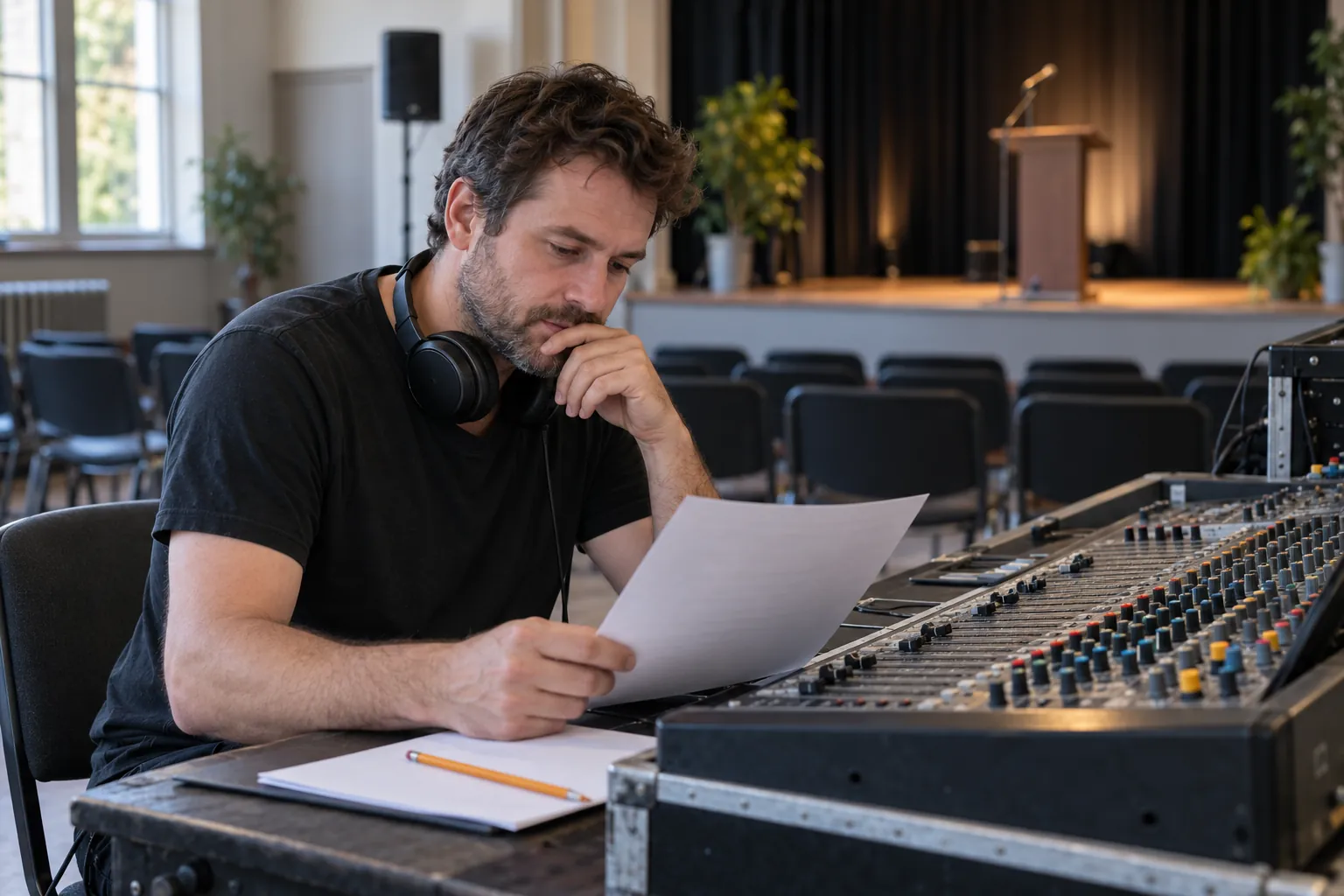
19:00 is a planned time; the agreed cue determines the entrance
In this fictional example, the programme says “19:00, welcome”. A production note adds “music once the presenter is in position and the stage manager gives the cue”. If an assistant turns this into “play music at 19:00”, it has changed the instruction. This is the first check for an audio cue sheet: separate the planned time, what needs to happen and who signals that it may start.
You can trial AI for preparing a cue review sheet before an event: organise notes, expose missing conditions and draft questions for production. The exercise ends with a reviewed draft and a team rehearsal. It does not connect to the desk, open microphones or play files. Technical control and decisions during the live event remain with the responsible people.
From the public programme to a sheet an audio technician can review
A programme may list welcome, presentation and closing without describing audio entrances. AskTimer distinguishes the public programme from a more detailed internal running order with times, owners and cues. That context supports preparing a technical sheet; it does not establish that an assistant will interpret your event notes correctly.
For this trial, use one row per proposed action and keep the source note identifier. Separate “planned time” from “entrance condition”. Also separate who calls the cue from who operates audio: if the document names neither, leave both pending.
- Block and planned sequence: welcome, presentation or closing. Query changes in order rather than resolve them by guesswork.
- Requested action: for example, music entrance or microphone use. Add no levels, adjustments or technical configurations.
- Entrance condition and person communicating it: retain the note wording; leave pending if absent.
- Resource: the file or microphone reference specified by the team. A song title does not identify a particular recording.
- End of action: which note defines the end or handover to the next block. An unrecorded duration stays unrecorded.
- Preparation status: information missing, document reviewed or checked in rehearsal. A tidy table does not establish that anything has been tested.
A fictional event with three gaps you must not fill in
Use these invented notes for event E-026. N1, programme: “19:00 welcome; presentation afterwards; closing at the end”. N2, production: “Welcome music once the presenter is in position and the stage manager gives the cue; file still to be sent”. N3, audio: “Lectern microphone for welcome; handheld microphone requested for presentation, assignment pending”. N4, production: “Exit music after presentation; who calls it and when the microphone is removed still to be agreed”.
The following table is an editorial interpretation of the exercise, not an observed AI output. Use it to check that the draft retains what is known and what is missing. It is not an operational cue sheet ready for use.
| Block and source | Retain in draft | Ask before rehearsal |
|---|---|---|
| Welcome · N1/N2 | 19:00 planned; music conditional on presenter in position and stage manager cue | Which person and specific cue are agreed? Which file and version will be supplied? |
| Welcome speech · N3 | Lectern microphone specified for welcome | When is it enabled and how does this action end under the agreed running order? |
| Presentation · N1/N3 | After welcome; handheld microphone requested, assignment pending | Which microphone is assigned and who confirms handover? Time and duration absent |
| Exit · N4 | Music after presentation; cue and microphone removal not yet agreed | Who calls the entrance, with which cue and resource? How is handover resolved? |
Ask for a draft with questions, rather than a live operating function
“Use only fictional notes N1–N4 for event E-026 pasted below: [paste the four notes above]. Prepare a pre-event audio review sheet. Columns: block, source note, planned time if stated, requested action, exact entrance condition, who calls the cue, who operates if stated, specified resource, end of action and open question. Invent no times, durations, files, versions, assigned microphones or people. Do not turn a planned time into a command or pending into checked. Separate actions with different conditions. Propose no settings, connections or equipment control. Finish with questions grouped for production and audio. This is a draft: no rehearsal has taken place.”
In the first review, look for the main error in this example: a welcome entrance scheduled solely by the clock. Then check that “file still to be sent” remains pending and that “handheld microphone” has not become an invented channel number. When both operator and cue caller are missing, the assistant should ask about both.
Anthropic’s Claude documentation warns about incorrect or context-inconsistent responses and describes restricting answers to supplied documents and checking references. These precautions inform the exercise; they do not establish prompt performance or replace professional reading.
Do the useful review before placing the sheet beside the desk
Check every row against its original note and gather open questions for the team through its normal process. Ask production to confirm cues, responsibilities and resources. The technician must check materials and work feasibility during preparation and rehearsal. Recording a filename does not mean the file has been received, listened to or tested.
Keep an identified copy of the sheet agreed by the team and make its status visible. When the programme changes, review affected actions with the responsible person; do not accept unchecked instructions regenerated by an assistant during the live event. This article prescribes no sound levels, equipment settings, electrical connections or rigging.
First test whether a better-defined worksheet is enough
If you already use a spreadsheet and simply lack columns for condition, owner and resource, arranging those fields may suffice. Script Elephant advertises cue fields for audio and other departments. This is the provider’s description: we have not tested its operation or compatibility with your equipment or Adaris here.
A manual trial means copying invented notes into an assistant, requesting a draft and reviewing it. Integration would be a separate engagement: read an authorised source, preserve note references and present proposals for acceptance without overwriting the agreed running order. Formats, permissions, export, history and change recovery would need checking. An existing connection to your software is not assumed.
Adaris can assess custom software or integration for that document preparation. An initial scope might cover converting authorised notes into a review draft alongside the original, with agreed acceptance criteria. This is a case-by-case service proposal, not an existing proprietary audio product. Desk control, automatic playback and operational changes would be outside that first scope.
Measure whether conditions survive, rather than how professional the table looks
Before testing, write reference answers using fictional data. Include an approximate time with a required cue, an undelivered track, an unassigned microphone and an action with no specified end. Add a case where the time is explicitly the entrance cue: the assistant must also preserve that instruction when it is written, without replacing it.
Compare preparing the sheet by hand with reviewing the AI proposal. Record omitted conditions, invented entrances, resources assumed received, guessed responsibilities and total review time including corrections. These are proposed pilot measures; no outcomes or savings are presented. If a condition changes meaning, correct the draft and review the method before extending its use.
Start with entirely invented documents. Do not paste real attendee names, telephone numbers, confidential scripts, music files or documents without authorisation and appropriate terms. Acelera pyme recommends reviewing terms of use and generated content. An assistant conversation does not replace the team’s document archive.
Related services
Sources
Do production notes reach audio with gaps?
Tell us in Spanish where notes come from and what the technician needs to review. With a fictional example, we can assess custom development or integration for sheet preparation, with agreed scope and checks. Commercial communication is in Spanish.