
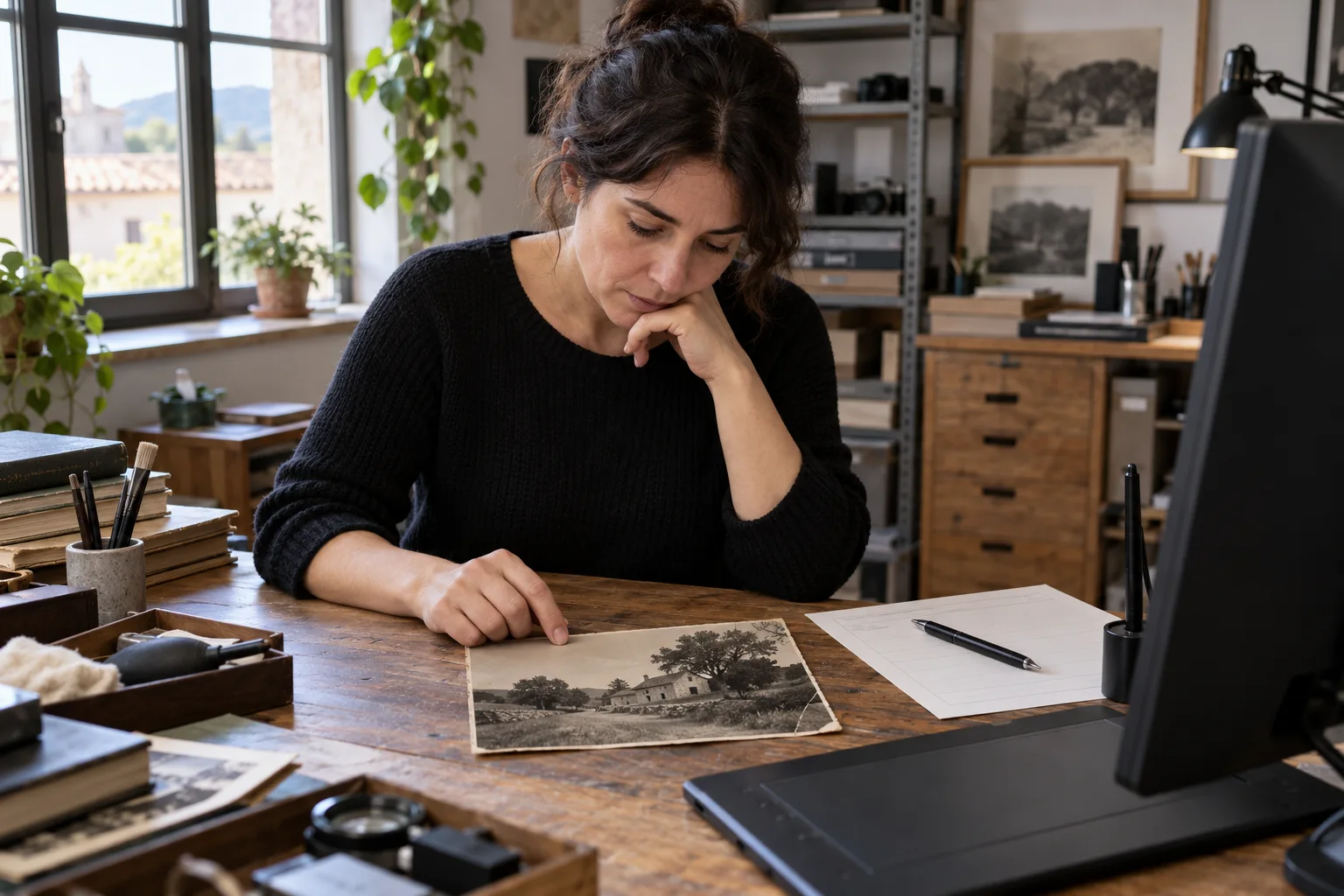
A cleaner photograph and a reconstructed photograph need different decisions
“Remove the scratches and make it look new; I think the dress was blue.” For a photo restorer, that request contains three possible jobs: cleaning damage, reconstructing a missing area and adding colour. Before touching the file, agree what is wanted in each area and where the reference comes from. A tentative memory must not become a confirmed colour.
This guide proposes trialling a text assistant to organise that scope and prepare questions. The useful output is an intervention worksheet by area: what is requested, what is excluded and what needs another decision. It includes a fictional case and a reference written by us; we have not run an AI trial or restored an image to demonstrate results. Visual assessment and retouching remain the professional’s responsibility.
What the sources support, without promising to recover the past
Adobe documents that Photoshop’s Colorize old photos action uses AI to add colour to black-and-white images. It also says the feature works best on well-preserved photographs with clear contrast and little damage. Adding colour describes an operation; it does not itself supply a source for the colour of a dress in the photographed scene.
Services have different scopes. Iberflash presents restoration and colourisation as services; Restaura Tiempos states it does not offer colourisation and needs a reference photograph to reconstruct part of a face. These are those businesses’ public descriptions, not work we have tested or universal rules. The question for your studio is which scope you accept and how you record it.
This guide’s proposal is limited to organising text. It requires neither Photoshop nor a connection between the assistant and an editor. Keep the input file and work on an identified copy when the professional decides to intervene; the worksheet does not itself authorise changes.
The fictional job: a crease, a missing hand and an uncertain colour
The documents, filenames and observations below are invented. No real photograph is attached: Z1–Z3 are areas described by a fictional professional, not damage detected by a model. The numbering links a request to an area; it does not specify automatic coordinates.
| Document | Available content | Limit to preserve |
|---|---|---|
| C1 · request | Clean the crease in the background. Do not change the face or complete the missing hand. Deliver in black and white. | Cleaning requested; hand reconstruction and face changes excluded. |
| T1 · studio note | photo-01-original.tif. Z1: crease in background; Z2: part of the hand is absent from the print; Z3: dress in black and white. No other reference photo supplied. | Fictional professional description; not file analysis. |
| C2 · later comment | I think the dress was blue. Can you show how it would look? Do not change the job for now. | Question about a possible variant; uncertain memory and no scope change. |
| P1 · draft to review | Restore background and hand; recover the original blue; deliver only a colourised version. | Invented proposal contradicting instructions and presenting a hypothesis as fact. |
The worksheet that respects the job
Write a manual reference first. In this exercise, P1 must be returned for correction: it adds excluded reconstruction, turns a tentative memory into an original colour and replaces the black-and-white delivery. Changing “recover” to “improve” is insufficient: all three decisions need correcting.
- Z1 · background: cleaning requested in C1. Feasibility and technique still need assessment with the image; T1 does not demonstrate that the operation will succeed.
- Z2 · hand: do not complete it, according to C1. T1 says part is missing and no reference is supplied. Do not propose fingers or a different pose as though recovered from the original.
- Face: preserve the C1 exclusion. The absence of a facial-damage row does not allow the instruction against changing it to be ignored.
- Z3 · dress: preserve black and white for the requested delivery. C2 contains “I think” and “Do not change the job for now”. Record an enquiry about a possible variant without turning it into authorisation or historical fact.
- Delivery: black-and-white version, according to C1. A colour variant, if agreed later, would have its own name, scope and approval; it would not silently replace the agreed delivery.
A trial instruction and a question you can adapt
For the first trial, copy only C1, T1, C2 and P1 into a text assistant authorised by your business. You need not upload family portraits or customer files. Before working with real information, check permissions, processing terms, access and retention.
- Proposed instruction: “Prepare an internal worksheet using only C1, T1, C2 and P1. For each area, record request, source with a literal quotation, exclusion, available reference and pending decision. Add instructions affecting the whole image. Preserve uncertainty and negative instructions. Compare P1 against the instructions; do not adopt it as an approved job. Do not infer features, historical colours, feasibility, permissions or retouching technique. Then return questions for human review. Do not edit files, quote or send messages.”
- Question written by us, not yet sent: “I am keeping the black-and-white delivery, without completing the hand or changing the face. You asked how a blue dress would look, but said not to change the job. Would you like us to assess a separate interpretative colour sample? That blue would remain a proposal based on your memory, not a documented colour.”
- Check every response against all four texts. A tidy table may omit “I think”, lose a global exclusion or mistake P1 for customer instructions. The prompt requests behaviour; it does not guarantee the assistant will comply.
What to review when an image arrives, and what the worksheet cannot settle
The professional must examine the file and references, confirm which areas can be worked on and agree a sample before accepting the result. In particular, check that cleaning does not alter features or elements meant to be preserved. If reconstruction of missing content is proposed, record which part is interpreted and which reference is used; if that reference does not exist, do not present the detail as recovered.
Keep the received original, working copy and each proposed version separate. For an interpretative variant, identify the changes and their approval. A customer’s aesthetic acceptance does not turn an assumed colour into historical evidence. This guide concerns digital retouching of a job; it does not recommend physical intervention on heritage photographs.
A pilot to detect scope changes, not just polished wording
Try the fictional case and these variations separately. A person prepares the reference answer and counts omissions, invented authorisations, uncertainty turned into certainty and total preparation, review and correction time. Compare with completing the worksheet directly, without an assistant. These are proposed tests, not obtained results.
- Remove C2: no colourisation enquiry should be attributed to the customer. P1 still mentions “the original blue”; the response must be allowed to identify that unsupported assertion and correct it. Delivery remains black and white.
- Change C2 to “Assess a separate blue sample; do not replace the black-and-white delivery”: the worksheet must record assessment of that sample without declaring the historical colour approved or changing delivery.
- Add a supposed reference R1 saying only “another photograph of the dress, with no visible colour”: a reference exists but does not confirm blue. The exclusion against completing the hand remains.
From a manual trial to a limited integration
If the trial loses a negative instruction or invents an authorisation, stop that draft, correct it and check again. Consider extending the trial only if observations justify it. No saving, accuracy level or better restoration result has been demonstrated here.
Copying text and checking a worksheet is a manual trial. Connecting job intake, versions and approvals requires a separate scope: access permissions, links between files and jobs, history and approval responsibilities. No compatibility with an editor or photography application is assumed.
You can discuss with Adaris a job worksheet with areas, references and scope changes subject to human approval. It would be assessed as custom software, CRM or automation with AI, case by case. This is a development proposal, not an already available proprietary photo restorer. Commercial enquiries are handled in Spanish.
Related services
Sources
Are requested retouches getting mixed with unapproved changes?
Describe how you record references, versions and decisions. We can assess a custom workflow; commercial enquiries in Spanish.