
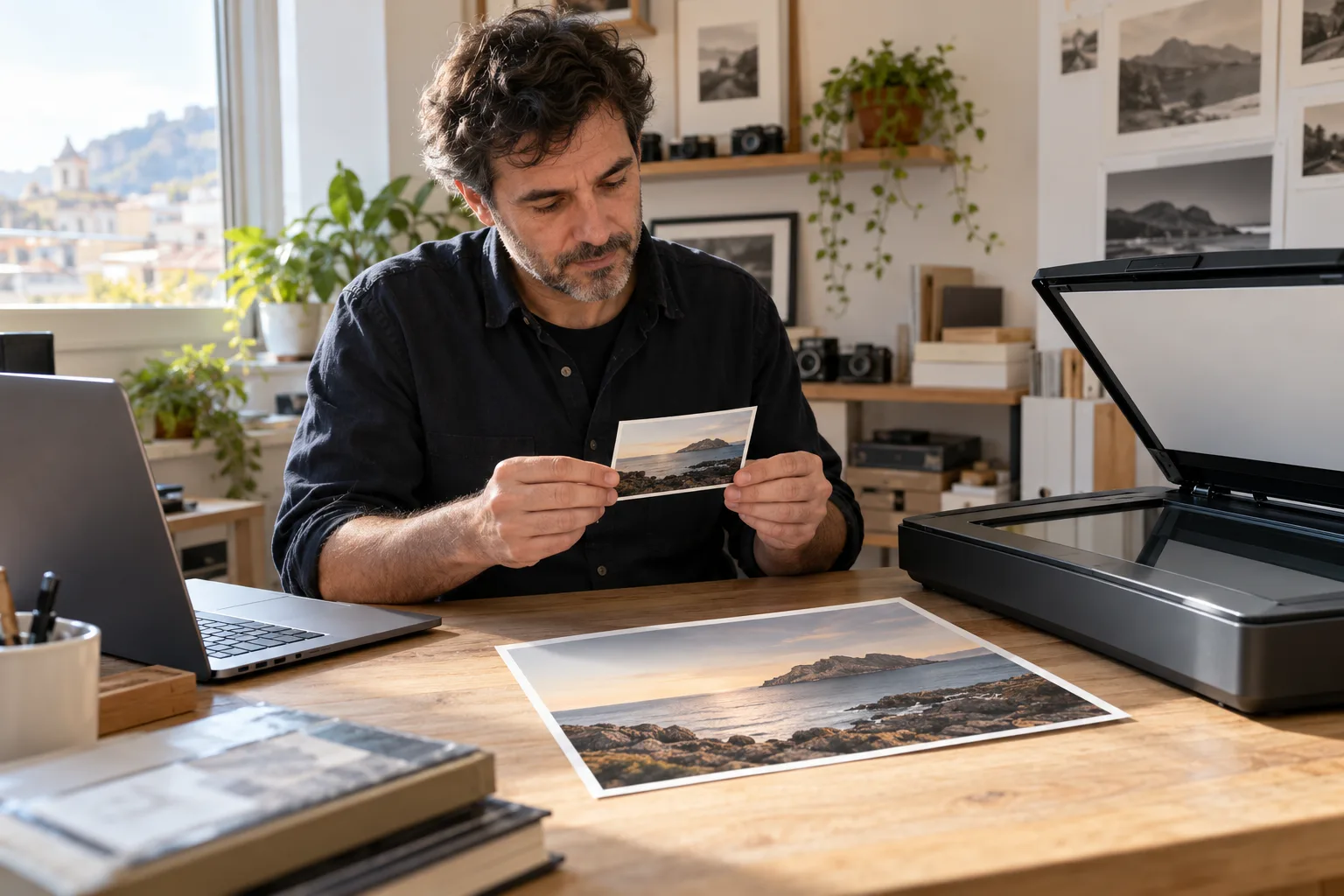
The customer wants an enlargement; the worksheet only says “600 ppi”
“I want this photo larger; the file says 600 ppi.” For a photo-scanning studio, that leaves questions open: does the number describe capture, an export or a print setting? What are the pixel dimensions of the actual file you will deliver?
This guide proposes an AI trial to review order records and draft questions from supplied information. The first decision is to identify the specific file and its destination. It includes an invented case and a manual reference for assessing an answer. No assistant, scan or print check has been run for this exercise.
Four inputs to keep separate
Record the paper original’s dimensions, the capture setting, the final file’s pixel dimensions and the requested print size. If cropping or intermediate exports occurred, link each input to its file and version. Do not transfer the scan label to every derivative.
Adobe explains that changing resolution and print size without resampling preserves pixels. Resampling changes their number; enlargement estimates new pixels. A larger number in a field therefore does not establish captured detail. The useful dimensional relationship is: pixels = print inches × pixels per inch.
Scanner documentation may use “dpi”; “ppi” describes print pixel density. Retain each source’s term and context. Epson relates scan resolution to intended use and enlargement; that does not make a label a sharpness guarantee. The professional must assess the original, capture and sample.
A fictional order that changing the label will not resolve
All messages, files, measurements and requirements in this case are invented. R1 represents fictional operator notes, not metadata we extracted or an actual photograph. Exact output measurements allow the arithmetic to be checked without rounding.
Request C1: “I want the complete photograph printed at 20.32 × 30.48 cm. Before quoting, tell me whether another capture is needed; do not authorise retouching or invent detail.” Supplied exercise requirement L1 says: “For that size we request a 2400 × 3600 pixel file, at 300 ppi.” This is not a rule for every laboratory.
| Reference | Supplied input | Still unchecked |
|---|---|---|
| R1 · photo-A | Paper original: 10.16 × 15.24 cm. Recorded capture setting: 600 dpi. | Master file dimensions and condition; subsequent crops or changes. |
| R1 · delivery-A-v2.jpg | Planned delivery file: 1200 × 1800 pixels. Resolution field: 600 ppi. | How this version was produced; no export history supplied. |
| P1 · proposal | Change only delivery-A-v2.jpg resolution to 300 ppi and mark the order ready. | Professional review, explanation to customer and authorisation pending. |
The manual reference: find the gap between capture and delivery
P1 does not resolve C1: changing only the resolution field without resampling leaves delivery-A-v2.jpg at 1200 × 1800 pixels. It still does not meet L1’s 2400 × 3600 requirement. The target arithmetic is 8 × 300 = 2400 and 12 × 300 = 3600: 20.32 × 30.48 cm equals 8 × 12 inches. Check these calculations with a calculator rather than an answer’s confidence.
The capture record and delivery file do not establish what happened. Do not conclude “the scanner failed”, “the original is unsuitable” or “export reduced it”. Those are different hypotheses; the history is missing. Do not discard the job either: a higher-pixel master might exist, but none has been supplied.
The useful operator question is: “What are photo-A’s master pixel dimensions, and what crop or export produced delivery-A-v2.jpg?” For the customer, where appropriate: “We will review the master and options before confirming the size; may we assess another capture or a separately described enlargement proposal?” No example response establishes quality or authorises production.
- If a master is located: check pixels, framing and its relationship to the original before preparing another delivery; its existence alone does not establish suitability.
- If another capture is needed: the professional chooses settings and safe handling according to original and equipment; AI does not select a universal setting or restoration.
- If resampling is proposed: identify the derivative, retain the master and request review and agreement on a sample. Adding pixels does not establish recovered original information.
A prompt to trial with fictional inputs
Use a text assistant your business authorises, supplying C1, L1, R1 and P1 plus Adobe’s resampling excerpt. Do not upload customer photographs to trial this method. The proposal analyses supplied text; we have not connected or tested a scanner, Photoshop or order-management software.
- Review only C1, L1, R1, P1 and the supplied documentation.
- Return a worksheet with: file and version, literal input and source, requested use, discrepancy, specific question and pending human check.
- Separate capture setting, master pixels, delivery pixels and print resolution. Mark absent inputs unknown.
- Compare P1 against L1: distinguish a label change from resampling. Show arithmetic for a person to check; do not declare quality sufficient.
- Do not infer the delivery history from its filename or the number 600. Cite the input supporting each flag.
- Do not invent master dimensions, sharpness, recovered detail, history or permission. Preserve the request for the complete photo; flag a crop without deciding on it.
- Propose questions for reviewing a master, assessing another capture or considering a resampled derivative. Do not choose a route without missing inputs.
- Do not change files, send quotes or mark production authorised.
Spot an answer that sounds useful but changes the order
Check that the answer keeps delivery-A-v2.jpg as the disputed file. Saying “600 dpi supports twice the size” mixes a recorded capture setting with a derivative whose pixel dimensions are supplied. Proposing a crop to fit another proportion also fails to preserve the request for the complete photo.
An interpolation explanation must not become permission to use it. Distinguish numerical compliance, quality assessed by a person and customer approval. Accepting a sample does not establish that reconstructed details are faithful to unknown original information. Do not assign identities, dates, original colours or lost information to a photo through AI conjecture.
A small pilot with a reference you can correct
Prepare a manual worksheet first, including the 1200 × 1800 versus 2400 × 3600 discrepancy and the master-file question. Compare a form with rules and a calculator against the complete assisted process. Consider AI only if it offers verifiable help interpreting requests worded in different ways.
Then trial a variant: remove delivery-A-v2.jpg pixel dimensions and leave only “600 ppi”. The reference must change to “the requirement cannot be checked without the file’s pixels”, rather than copying the previous case’s numbers. In another variant, supply a 2400 × 3600 pixel master: review that file and its framing without automatically approving the job.
These are proposed tests without measured results. Record preparation, reading and correction time; missed discrepancies; invented values; already-resolved questions and false authorisations. Reject an answer that certifies quality or invents history even if it presents a convincing table.
From a manual worksheet to a limited integration
In the manual trial you copy fictional records and review a proposal. A connected automation would need to read real inputs through a verified mechanism, preserve the original–master–derivative relationship and record human decisions. Compatibility with your scanner, editor, storage or CRM is not assumed.
Adaris Tech can assess custom software, CRM and automation case by case. An initial proposal could cover reception records, versions, destination requirements and pending questions, without modifying images or accepting jobs automatically. Permissions, retention, access and recovery need agreement; this is not an existing proprietary scanning platform.
Use invented inputs only for this exercise. Before processing real photographs or personal data, verify permission and suitable conditions; do not paste family images, names or documents without authorisation. Describe your workflow without sending private photographs. Commercial enquiries are handled in Spanish.
Related services
Sources
Do your orders lose the link between original and delivery?
Describe how you record captures, versions and requirements. We can assess a custom internal worksheet; commercial enquiries in Spanish.