
Crossings in a passage zone
Review when a person, forklift or unit crosses a defined line or zone.
A project contracted with Adaris
How many boxes went out? Did someone cross a particular area? If answering means rewinding hours of footage, Adaris can help test one warehouse scene with real images, review important cases and decide which count or alert is useful in daily work.
For businesses in Alicante · remote work in Spanish
These examples help you explain what needs to change. Tell us how you work today and we will agree what to build, its cost and how to check it.
Review when a person, forklift or unit crosses a defined line or zone.
Produce counts and evidence clips for one warehouse camera or video source.
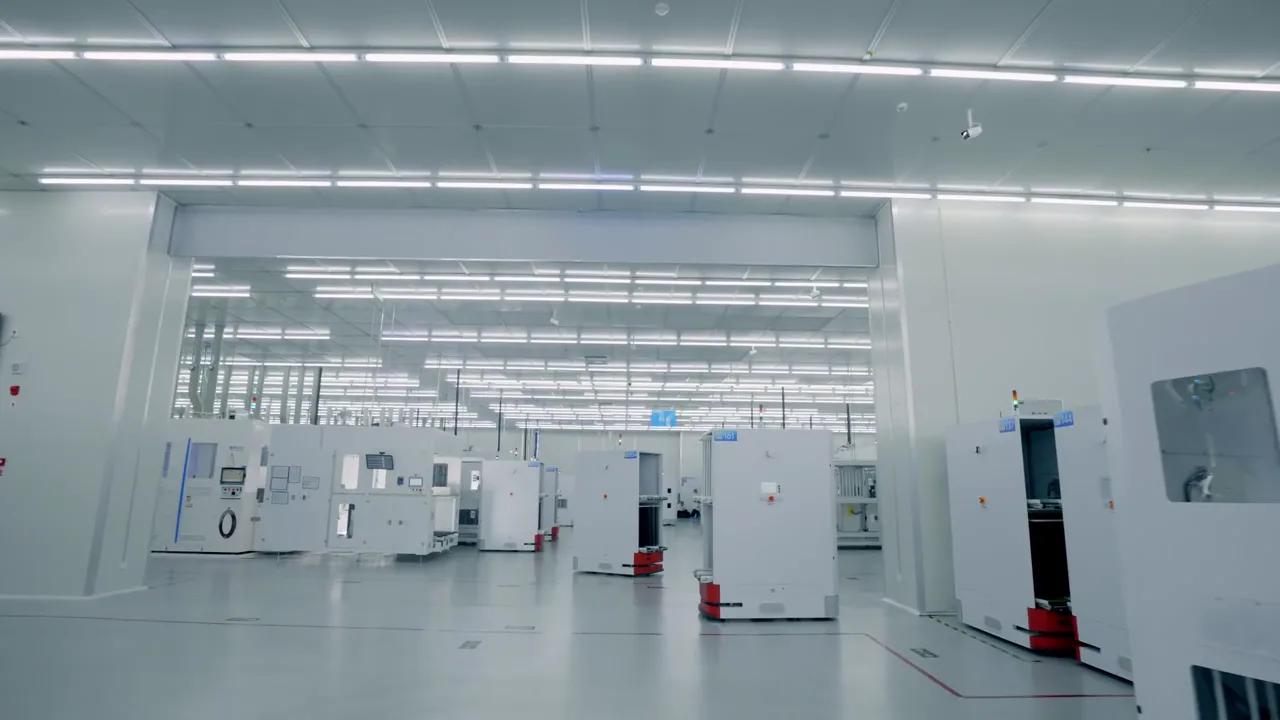 Computer vision
Agree the first step
Start with one scene: what to count, where it crosses and what decision you need to make. Vision Studio helps select material, review examples, compare difficult scenes and prepare a local Player for one source. The pilot is quoted and contracted separately, with clear tests and limits.
Explore the full serviceSee the actual product
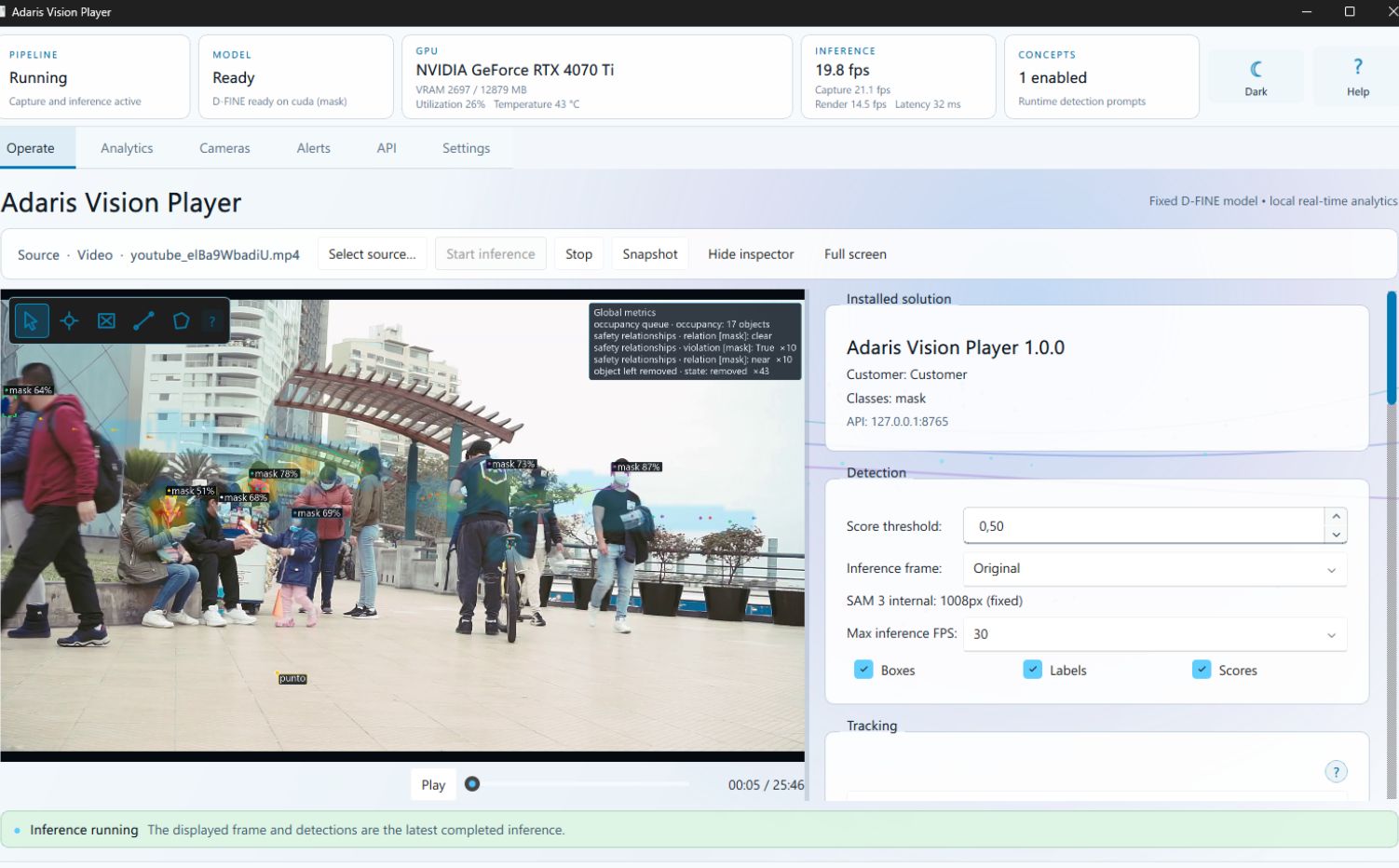
Studio prepares and reviews examples, evaluates the model and packages the solution. Player runs video analysis locally. These are captures of our own product, rather than results from customer installations.
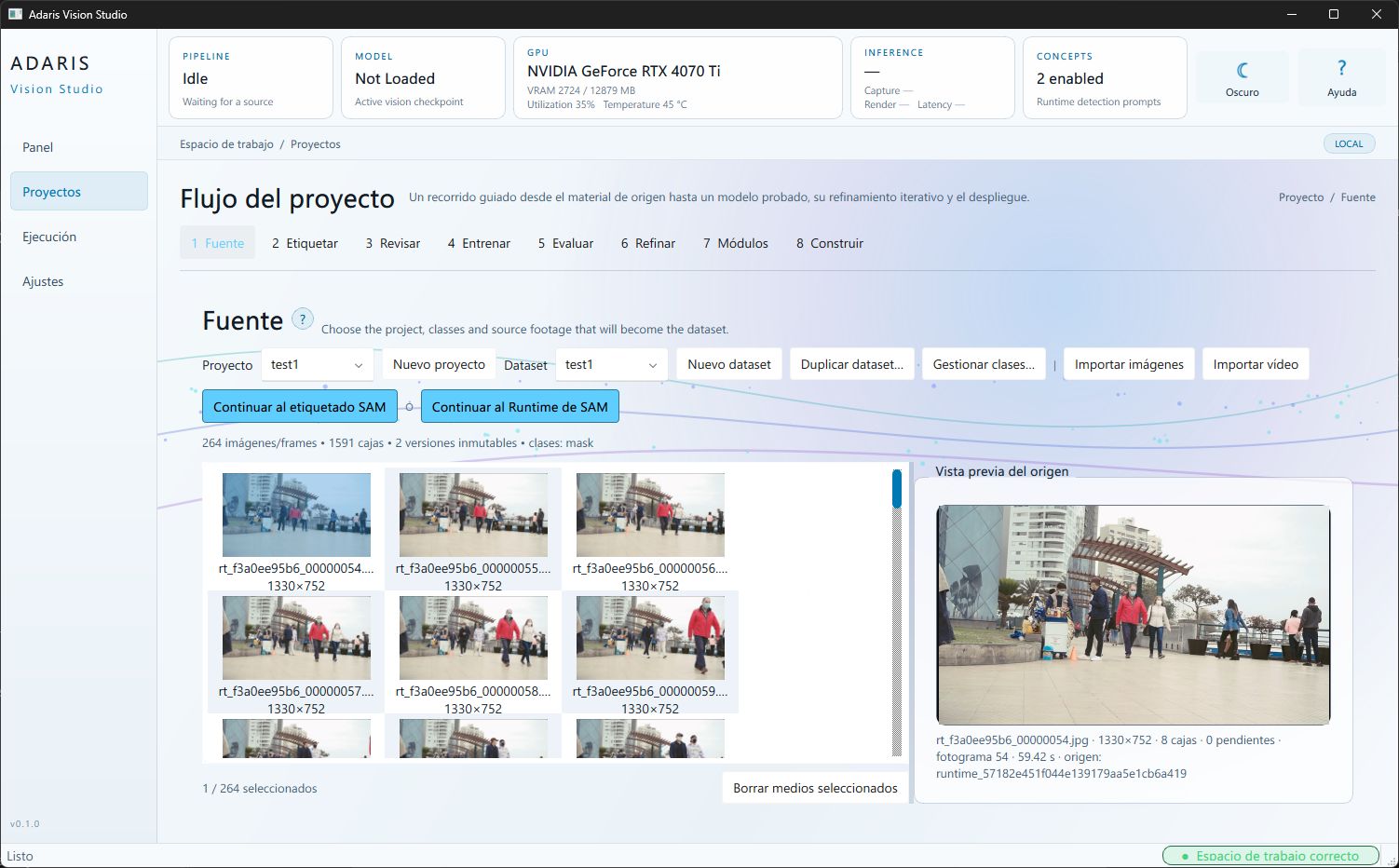
Define whether the first test observes forklift, person, pallet or another visible class. Agree the camera or video, zone, crossing direction, cases to count and examples outside the scope.
Use representative material, review Studio's suggested detections and compare correct detections, misses and incorrect alerts in an agreed sample. Night scenes, occlusions and camera changes are included when part of the test.
If useful, prepare a Player for one active source: screen region, video file or network camera. The scope may include zones, counts, paths, heatmaps, rules and evidence clips; multiple cameras need a separate evaluation and package.
Several sources can be assessed, but each Player uses one active source at a time. Evaluation, configuration and licensing for multiple cameras are scoped separately.
The solution can produce configured signals, rules or evidence and a local connection can be assessed. PLC, machinery, cabling or industrial hardware installation is not included by default.
No. We test agreed material and document detections, misses and confusions in that sample. A pilot is accepted against agreed deliverables and limits, not an accuracy guarantee.
Vision Player analyses one screen, video or network-camera source locally. Processing, storage and connections to other systems are defined in the approved scope and configuration.
We assess fit and agree scope and budget before starting. Your first message can describe the process without sharing customer records.