
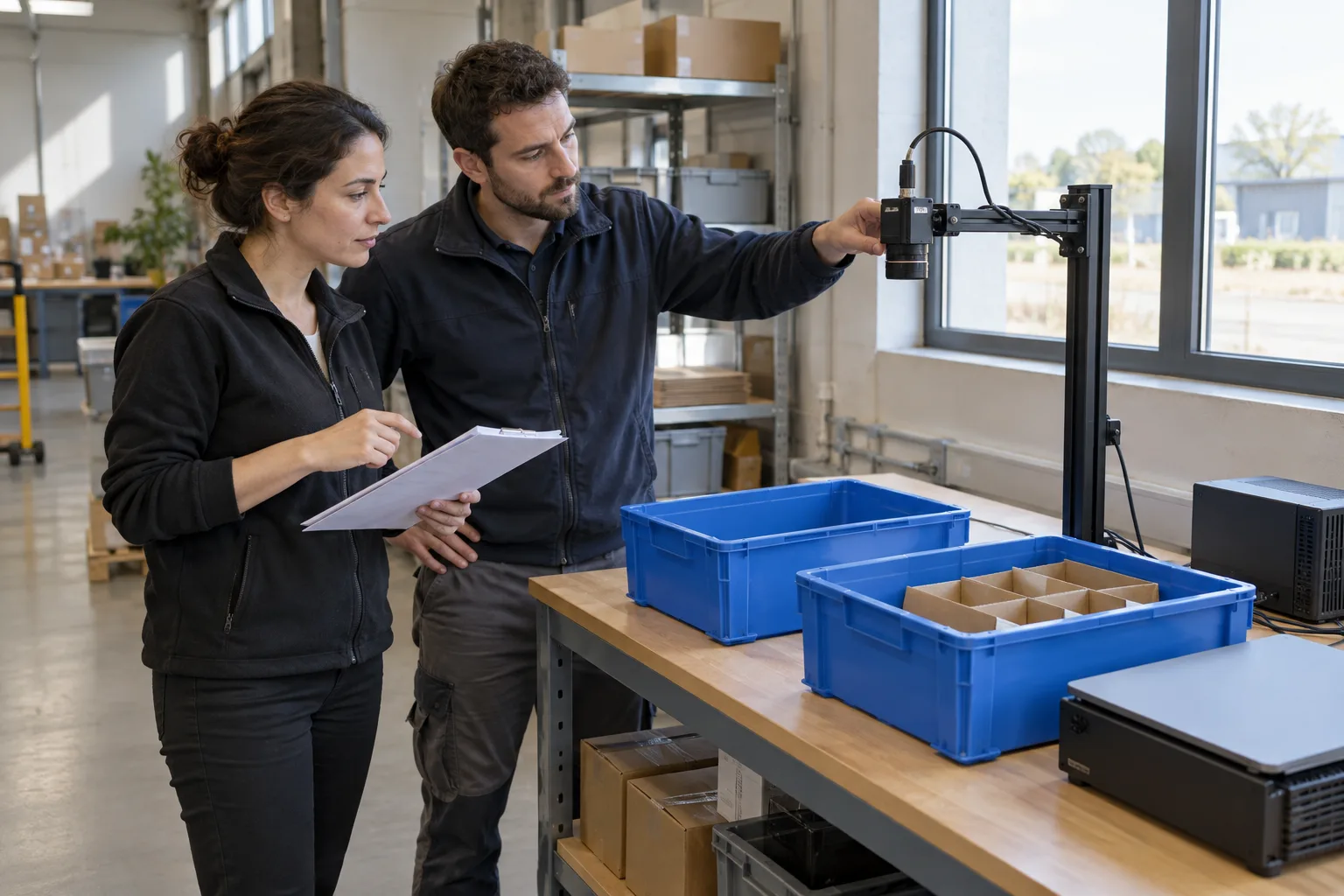
From a working video to a workstation that needs checking
A test video detects blue bins and the team asks: “Can we put it on the workstation now?” First, agree a specific handoff: the Player package, video source, computer, operating conditions and person who will review the output. This guide proposes a worksheet and a check sequence for that step, without treating a demonstration as an accepted installation.
The example is entirely fictional: locating visible blue bins on a packing bench. It does not count dispatched units, inspect contents or approve an order. The initial trial supports the operator; it does not control machinery or replace their decision. The aim is to decide whether to continue with this scope at this workstation.
What the business receives with Player and what stays in Studio
Adaris Vision Studio is used to prepare and review material, train, evaluate and package the solution. Adaris Vision Player runs the prepared model locally, using the sources and capabilities selected for that delivery. The public tour specifies one active source at a time, with options depending on the package and its licence.
Player’s functional catalogue describes a model fixed when the package is generated and classes restricted to that model. Writing “broken bin” in a worksheet does not add a class or teach Player to recognise it. A different objective requires discussing data, model and scope with Adaris; renaming the task is not enough.
Local analysis does not establish that any camera or computer will work. Confirm hardware, source, configuration and installation conditions with Adaris before buying equipment or planning production use. This example does not represent a real installation or measured performance.
Choose the input around the question you need to answer
The documented Player options include video, a screen region and a network camera, where enabled in the package. For this pilot, we propose starting with an authorised recording and then checking one workstation source. Compatibility with a recorder, file format or camera model is not assumed.
| Input | What it can help investigate | What still needs checking |
|---|---|---|
| Agreed recorded video | Replay a sequence and compare human observations. | Capture at the operating workstation and interruptions. |
| Agreed screen region | The fit of analysing the visible region of another application. | Whether that region shows the intended scene throughout the trial. |
| Agreed network camera | The path from the camera to local analysis. | Model, configuration, access and connection behaviour. |
The handoff worksheet that keeps the trial on scope
Complete this worksheet with Adaris before starting the trial. All values below are fictional proposals, not universal product requirements or an installation contract. The business owner decides what output is useful, and the technical contact confirms what can be checked.
| Field | Example proposal | What to record |
|---|---|---|
| Supported decision | Locate visible blue bins on one bench. | Description and exclusions approved by the process owner. |
| Package | PILOT-BENCH-A delivery, with agreed model and classes. | Identifier and version supplied by Adaris, not just the shortcut name. |
| Source and workstation | One agreed camera and bench position. | Source description and an authorised view of the framing, without credentials. |
| Computer | Company-proposed computer, still to be validated. | Technical confirmation before accepting the trial. |
| Review | A person compares detections with the scene. | Manual record of missed bins, extra detections and image failures. |
| Use of output | Supervised observation, without commands to other systems. | Named person deciding to continue, stop or repeat. |
Check detection and capture separately
First, keep a sequence reserved for the agreed check and record which bins a person expects to locate. Run the intended package on that input and compare missed bins and extra detections by situation: separate bins, partial occlusion and an empty bench. Do not record a nonexistent bin as a success or treat an ambiguous case as resolved.
Next, with permission and outside a critical operation, check the workstation source. Agree a controlled interruption of the image supply with the technical contact, how to recognise a lack of current images and what to observe when images return. Do not disconnect shared networks, cameras or installation safeguards to follow this guide.
Record a missing detection separately from a lack of usable images. If you cannot confirm that the image is current, mark that interval as not assessable; do not turn it into “zero bins”. Agree the review and recovery procedure for the specific delivery. This guide does not promise an automatic alarm, a reconnection time or preservation of results during an interruption.
A short record for the next decision
Use the same human reference rule across situations. This is a proposed manual log, not a Player screen or automatic report. Leave the results blank until the trial takes place.
| Agreed situation | What to record | Decision it helps prepare |
|---|---|---|
| Normal scene with separate bins | Reference bins, missed bins, extra detections and review time. | Whether the output helps the intended task. |
| Partly hidden bin | Agreed visibility, disagreements and process-owner review. | Whether to narrow the scope or prepare more material. |
| Empty bench or similar objects | Detections without a reference object. | Whether criteria need adjustment or more counterexamples. |
| Interrupted and restored images | Unassessable interval, recovery observations and subsequent review. | Whether the operating procedure is acceptable. |
When to stop the pilot and when to request integration
Agree acceptance criteria, stop conditions and a decision owner before starting. If framing changes, an important condition is missing or the package cannot be identified, keep acceptance pending and address that cause. An average score does not answer a capture interruption or establish usefulness in an untested situation.
Trying a text assistant manually can help organise this worksheet using fictional data; it does not connect the camera or validate Player. If a detection should create a task, feed your application or trigger an action, request a separate integration phase covering destination, permissions, rules, human review, error handling and acceptance. Available connectors and compatibility with your systems are not assumed.
When comparing suppliers, also ask how preparation is separated from execution. MVTec documents that distinction in its MERLIC on Edge training. This is a reference to another ecosystem, without implying compatibility, feature equivalence or Player superiority.
What to bring to the first conversation with Adaris
Bring the decision you need to support, a description of the workstation, the proposed source, difficult conditions and the person who will review results. Use fictional data to prepare the enquiry. Before sharing real images or commercial information, agree permissions, processing conditions and an appropriate channel; keep credentials out of the worksheet.
Ask to assess a Player pilot with one source and supervised output. Scope, hardware, options, price and terms are agreed with Adaris. Bringing the worksheet and failure cases helps make the conversation concrete without confusing a useful trial with production deployment. Commercial contact is in Spanish.
Related services
Sources
What is missing from your workstation pilot?
Describe the decision, proposed source and reviewer. We will agree the pilot scope and any integration needs. Commercial contact is in Spanish.